
admit.dpe.gov.bd- Primary 3rd Phase Admit Card 2024 Download
Directorate of Primary Education DPE Teletalk Admit Card 2024 PDF Download. Primary Admit Card 2024 is available on the DPE official admit card website admit.dpe.gov.bd. In this article will will describe how to download primary admit 2024 and other related information about primary assistant teacher job exam.
admit.dpe.gov.bd- Primary Admit Card 2024 Download
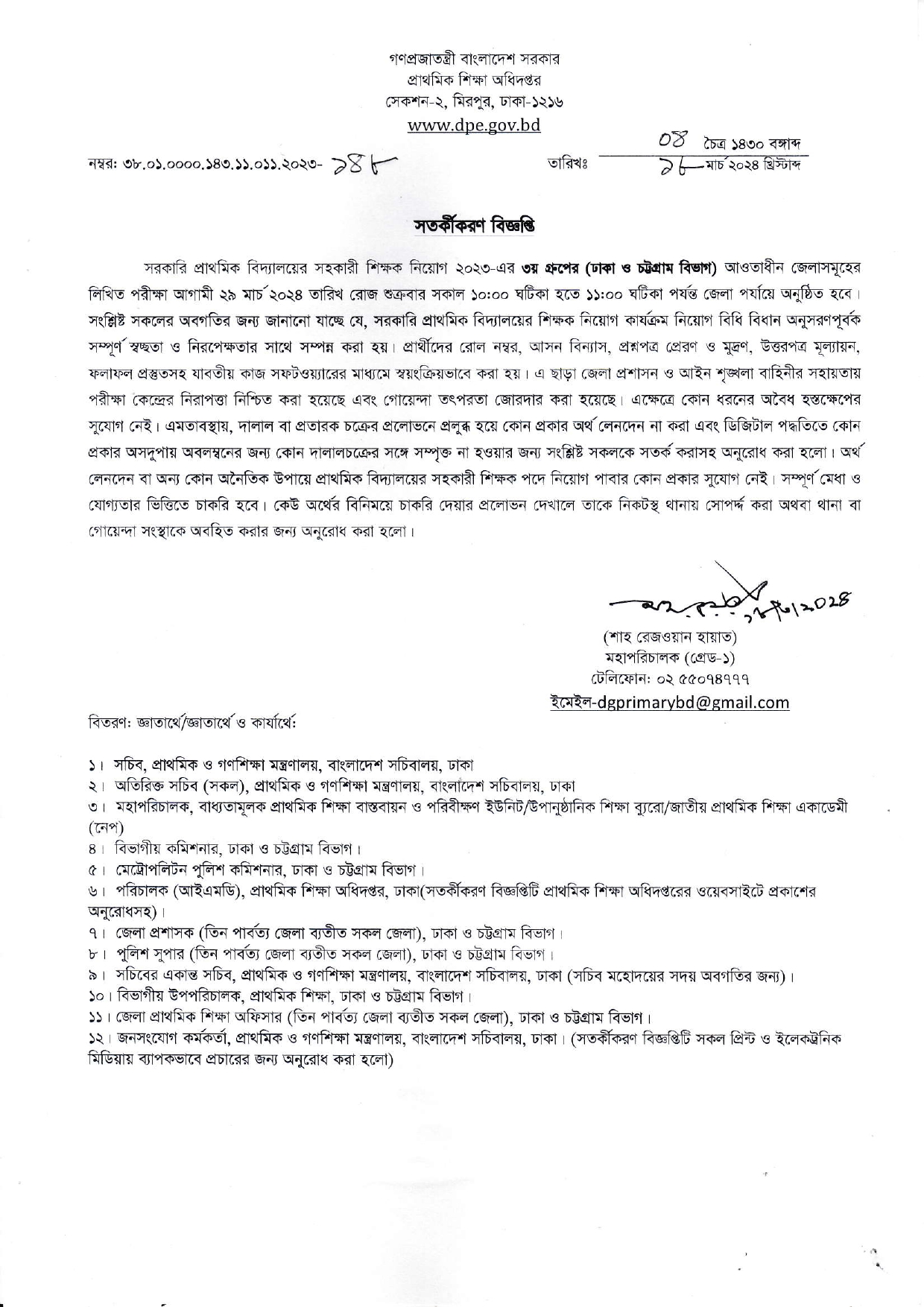
The written exam for government primary school assistant teacher recruitment (Dhaka & Chittagong) is on 29 March 2024 . Admit cards can be downloaded online from 23 March 2024. Candidates must bring a printed primary admit card and original national ID. No unauthorized items are allowed. Total candidates for the third phase about 3,40,000 will attend the preliminary exam. The preliminary exam notice for the third phase published on 18 March 2024. After attending the exam the candidates will get result within one month later. In our site the examinee will find their primary result also.
| Overview |
|---|
| Organization: Directorate of Primary Education Job Post: Assistant Teacher Exam Date: 29 March 2024 (Dhaka & Chittagong Division ) Admit Card Download: From 23 March 2024 Website: admit.dpe.gov.bd |
Primary Assistant Teacher Admit Card 2024
If you are eagerly anticipating the upcoming Primary Assistant Teacher exam in 2024, securing your admit card is a crucial step in ensuring a smooth examination process. The DPE Primary admit card serves as your entry pass and contains vital information about the exam, such as the date, time, and venue. This guide provides a step-by-step walkthrough on how to download your “Primary Assistant Teacher Admit Card 2024” from the official website. Follow these instructions diligently to obtain your primary admit card and prepare yourself for a successful examination experience. Let’s get started
admit dpe gov bd admit card
- Visit the Official Website: Go to the DPE Admit card management System website admit.dpe.gov.bd.
- Login or Registration: Log in to your account if you have already registered, or complete the registration process if you are a new user.
- Credentials: Enter the required credentials such as your username, password, or other relevant details.
- Search for Admit Card Section: Once logged in, navigate to the “Admit Card” or “Download Admit Card” section on the website.
- Admit Card Download: Look for the link related to the “Primary Assistant Teacher Admit Card 2024” and click on it.
- Provide Necessary Information: You may be asked to provide details like your application number, registration ID, or other information to access your admit card. Enter the required information correctly.
- Download and Print: After entering the necessary information, your admit card should be displayed on the screen. Download the admit card and take a printout.
- Check Details: Ensure that all the details on the DPE admit card PDF, including your name, photograph, exam date, and venue, are accurate.
- Carry Necessary Documents: On the day of the exam, make sure to carry the printed admit card along with a valid original national ID card (NID/Smart Card).
- Follow Exam Day Instructions: Adhere to any additional instructions mentioned on the admit card or communicated by the authorities regarding the exam day.

Remember to check the official website regularly for any updates or notifications related to the exam and admit card. If there are any helpline numbers or contact information provided, feel free to reach out in case of any issues or queries.
DPE Admit Card Helpline Numbers (9 AM-5 PM, SAT-THU):
- 01706504169
- 01768755932
- 01305703871
If you encounter any issues or have queries, feel free to contact the call center during the specified hours for assistance. Your success in the upcoming exam is our priority!